Home offsets
See every city as a difference from home: −8h, +1h, tomorrow. The language your brain already uses.
World time, made visible
Teezee shows every city’s day and night on one shared timeline. Find the right moment without doing the math.


One purchase. Teezee works across your Apple devices.
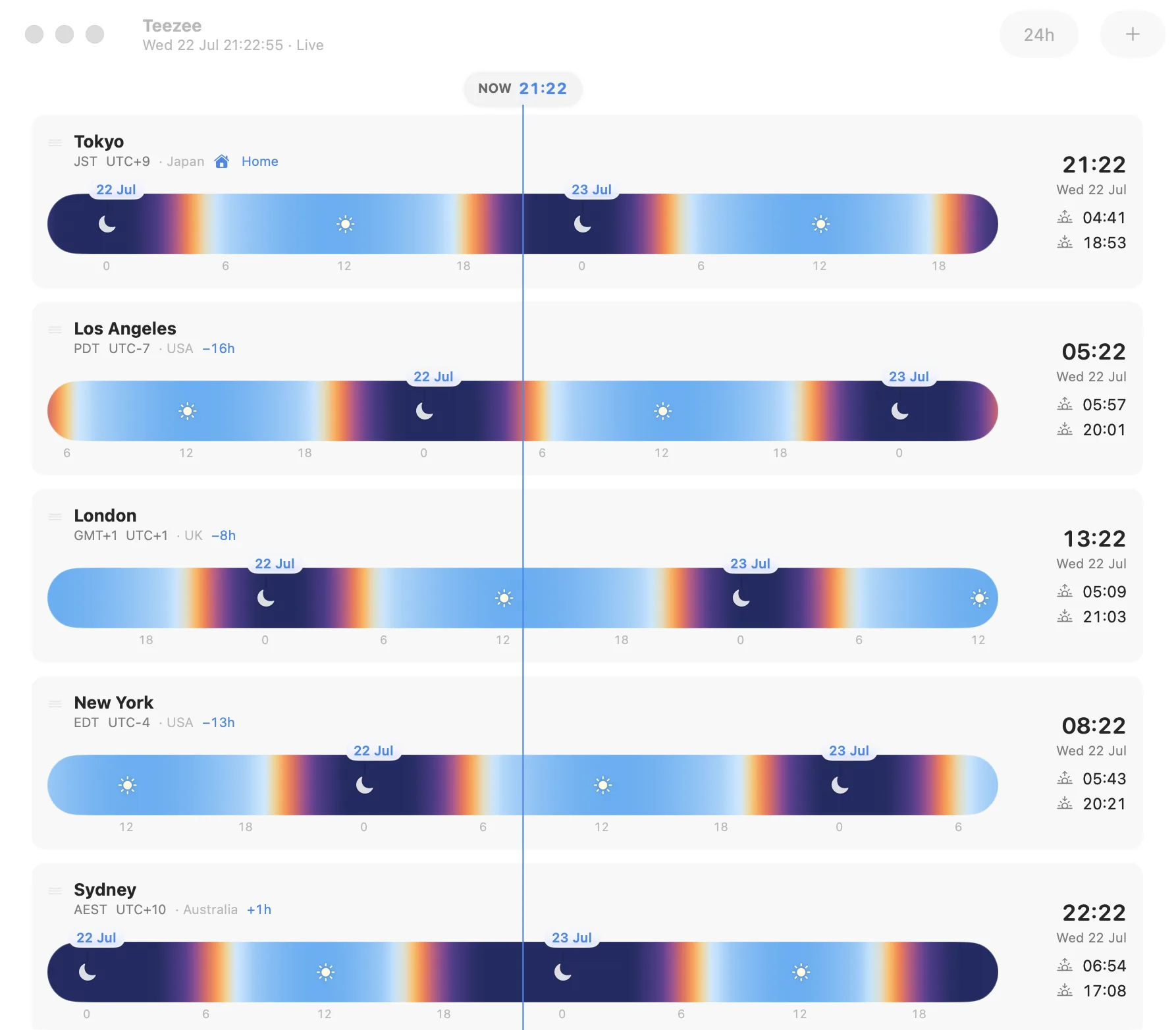
A clock that thinks spatially
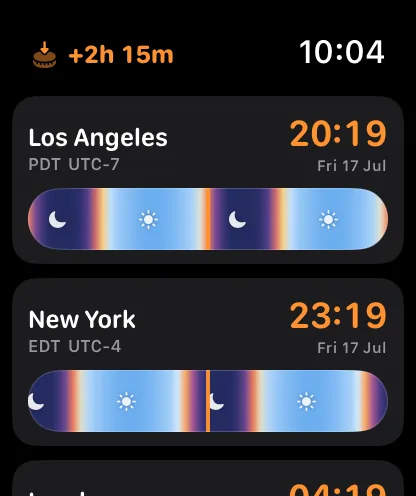
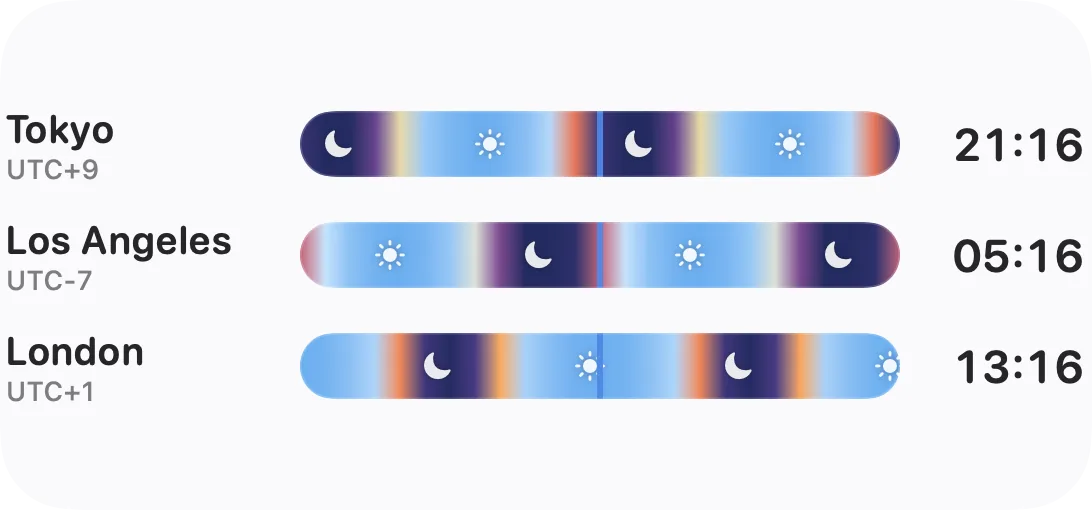
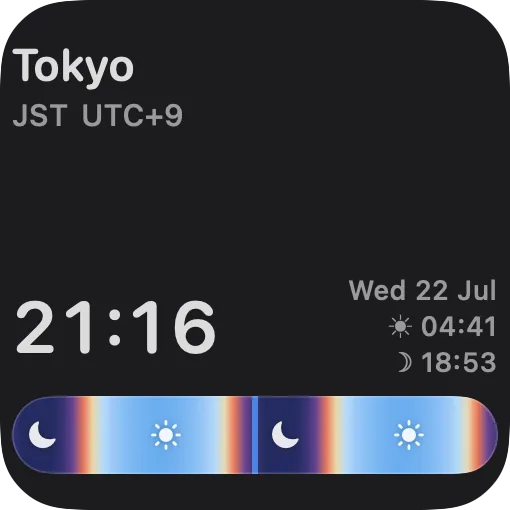
Teezee turns offsets into a landscape. Blue is day. Indigo is night. Sunrise and sunset sit exactly where they happen, so the answer appears before the calculation does.
Every band follows the actual sun at that place and date. Drag the timeline and all your cities move together.

Swipe into tomorrow. Compare a morning in Tokyo with an evening in London. Tap once to come back to now.
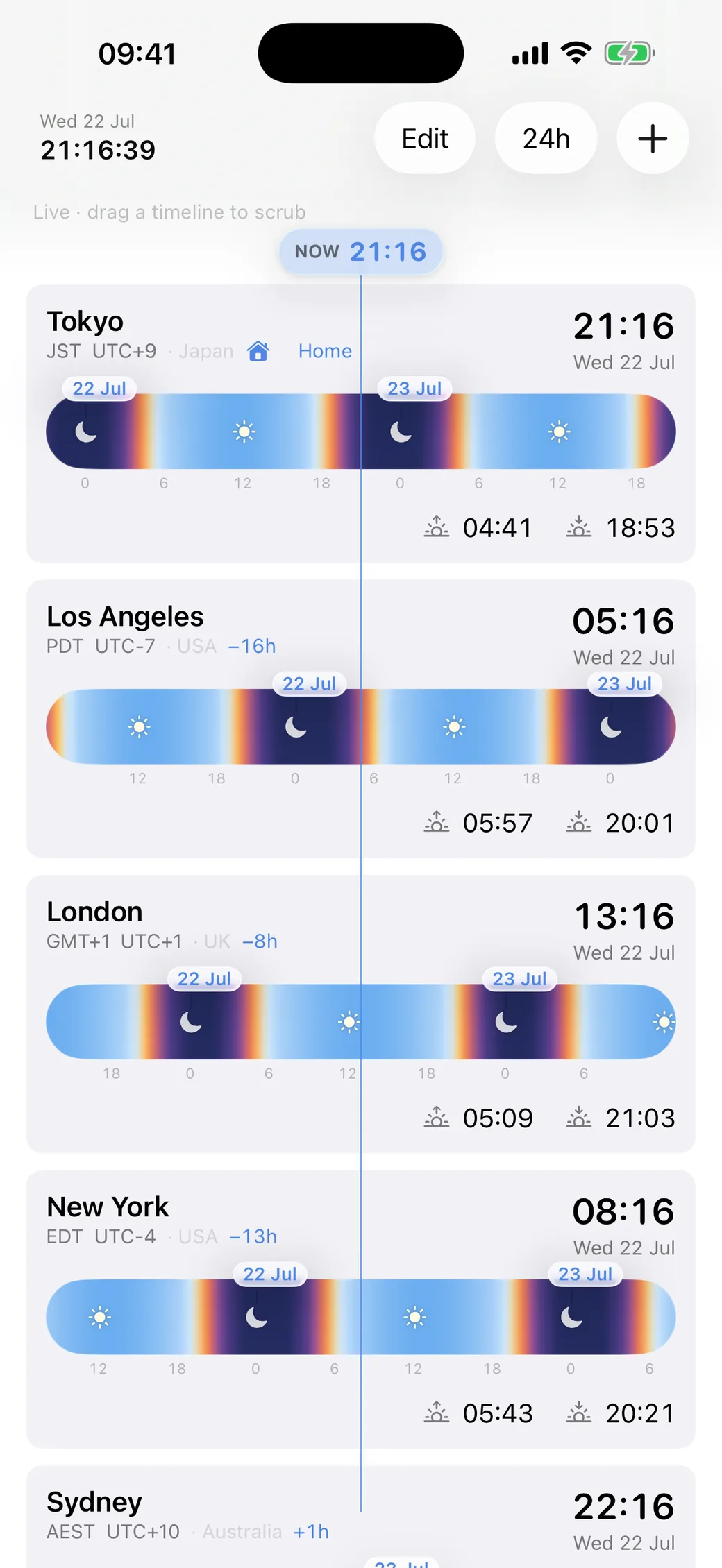
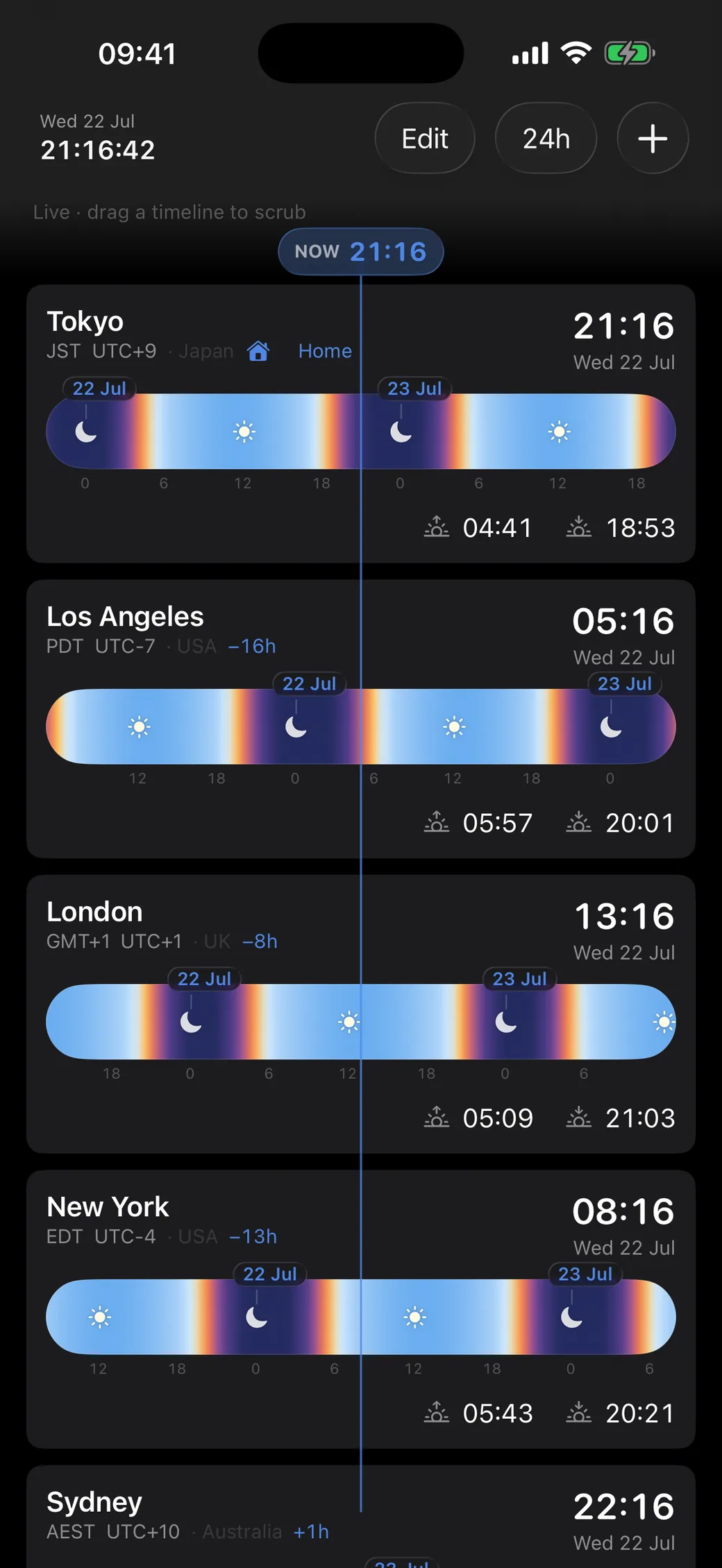
Move minutes, hours, or days. The shared cursor keeps every place aligned to the same instant.
Teezee for Apple Watch
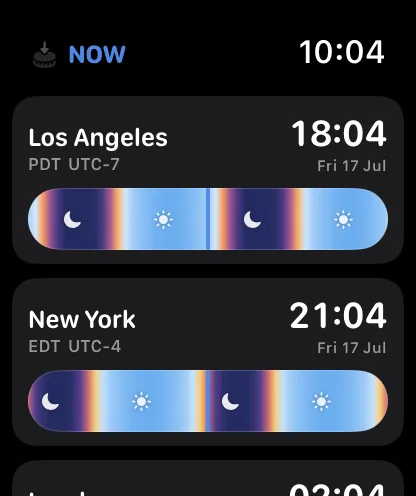
Glance at every city and its sky without reaching for your phone. Turn the Digital Crown to move every timeline together, then tap once to come back to now.
Scrub with the Digital Crown
Teezee for Apple Vision Pro
Keep every city in view inside a spacious glass window. Look at a timeline and pinch-drag to travel through the day, or add a new place without leaving your space.
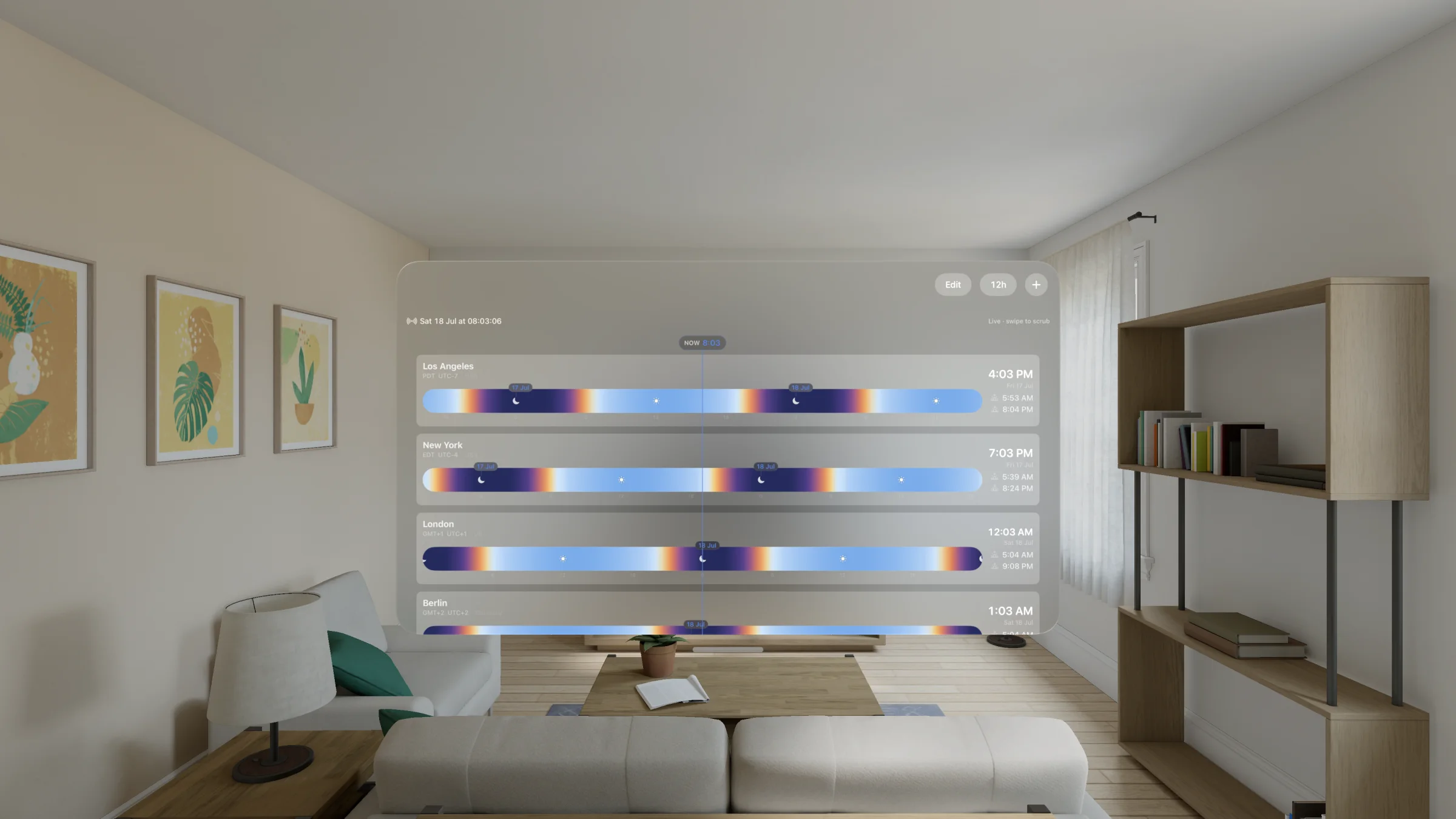
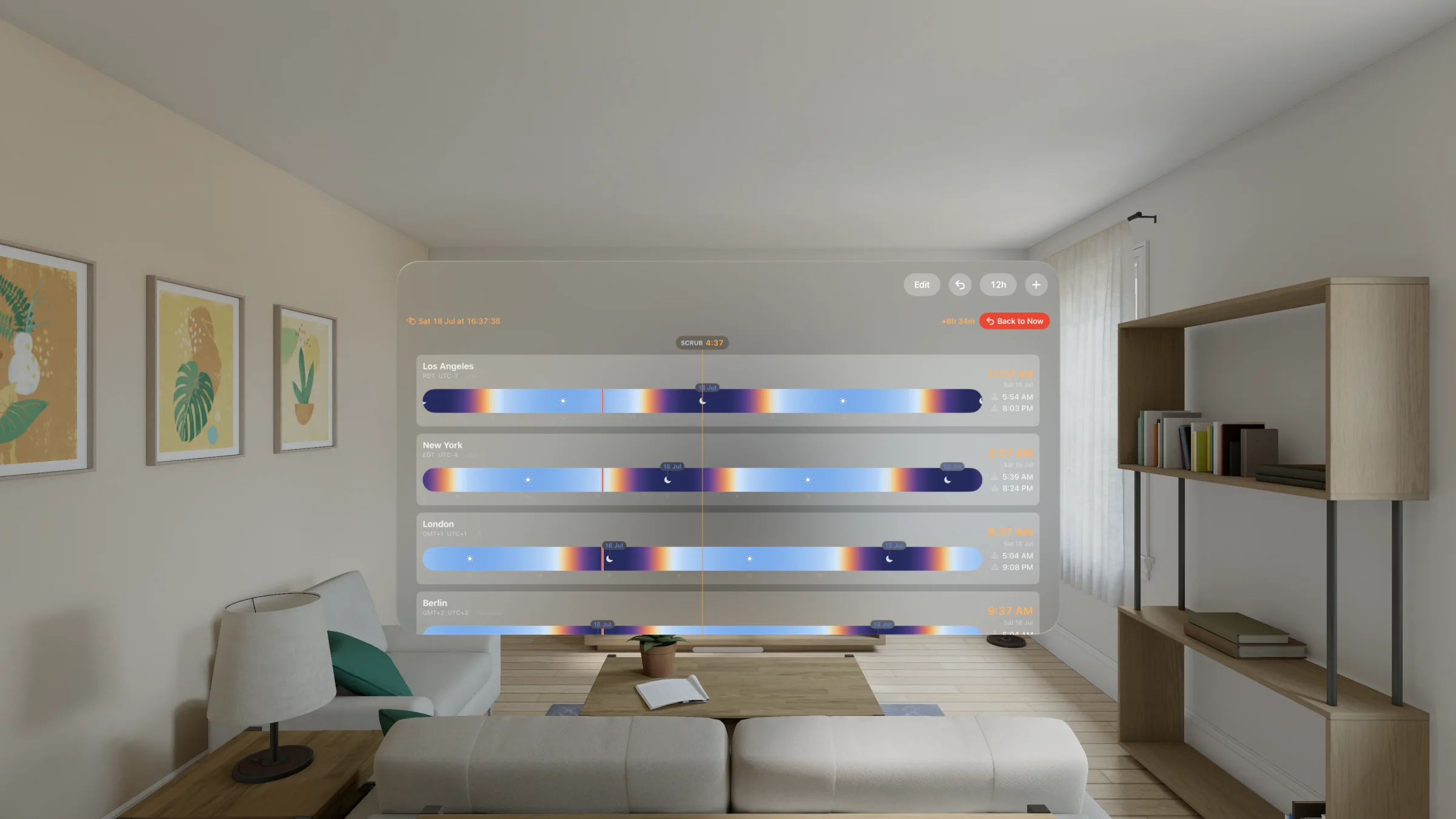
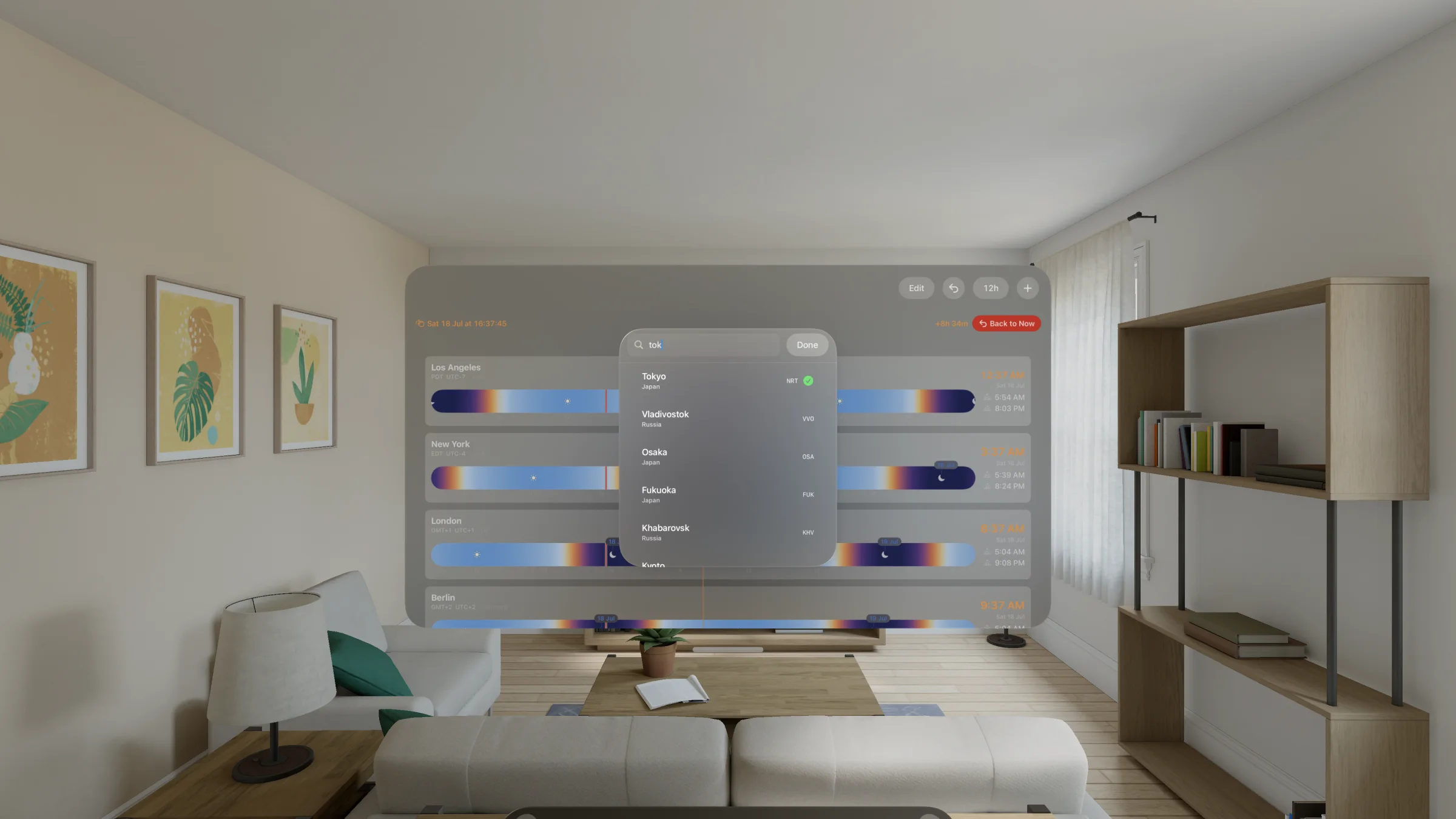
The details stay out of the way until you need them. No account, no feed, no monthly plan.
See every city as a difference from home: −8h, +1h, tomorrow. The language your brain already uses.
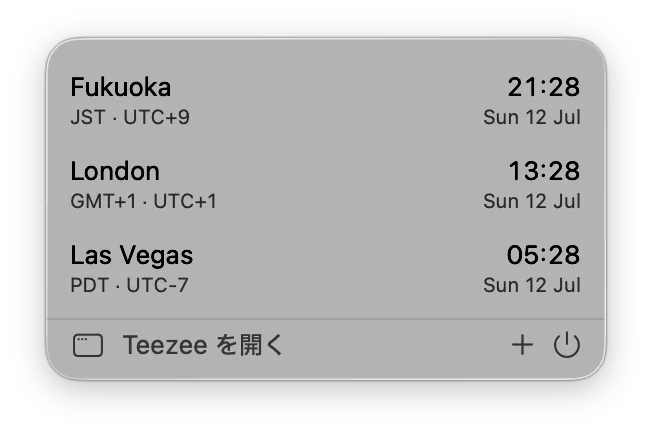
Keep any city one click away on Mac, or pin its current time directly in the menu bar.
Daylight comes from the real location and date, including seasonal changes.
Scrub with arrow keys, add a city with ⌘N, and jump back to now with ⌘0.
Your cities and preferences stay in step across iPhone, iPad, Mac, Apple Watch, and Vision Pro.
No Teezee account and no cross-app tracking. Your city list stays in your iCloud.
One universal purchase
Buy once. Teezee for iPhone, iPad, Mac, Apple Watch, and Apple Vision Pro is included—no subscription and no separate desktop purchase.
Universal purchase · one App Store listing across your Apple devices